
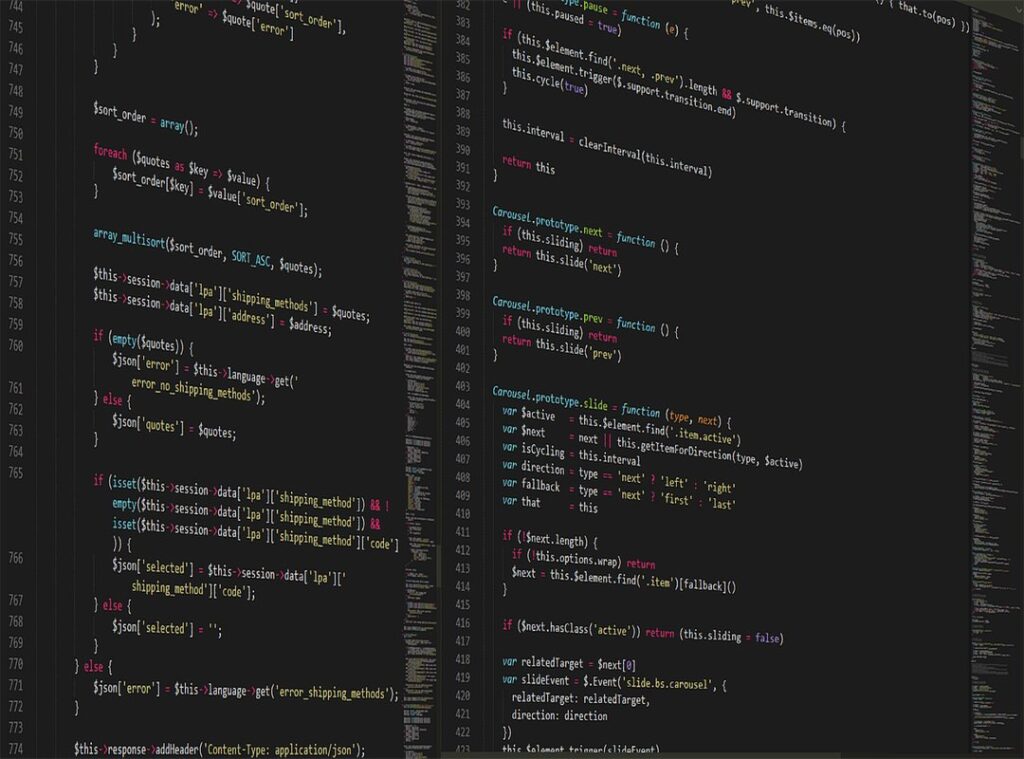
Finding the right code editor can feel overwhelming. With so many options out there, how do you pick the best one? I’ve been there, and I know the struggle.
You want something that speeds up your workflow, not slows it down.
In this article, I’ll break down the best code editors on the market today. I’ll share my experience with each one and what really sets them apart. You’ll get the details you need without the fluff.
We’ll talk about user interfaces, customization, and features that actually make a difference.
I’ve tested a variety of these tools myself, and I’ll give you the pros and cons.
By the end, you’ll have a clear understanding of which code editor is right for you. No more guesswork. Just solid information to help you make the best choice.
Let’s dive in.
Why Your Code Editor Matters: More Than Just a Text Box
Your code editor isn’t just a tool; it’s the central hub of your programming world. It’s where you spend hours every day. Does using a basic text editor make sense?
Hardly. Imagine coding without syntax highlighting or auto-completion. Painful, right?
That’s why the best code editors matter. They’re not just text boxes (they’re) powerhouses that transform how you work.
A good editor improves readability and speeds up development. Fast debugging and smooth collaboration become your norm, not the exception. You know what a nightmare it is to waste time on formatting or error detection.
That’s what happens when you’re stuck with a subpar editor. Features like intelligent auto-completion and integrated terminals aren’t luxuries; they’re necessities.
But I’m preaching to the choir, aren’t I? You’ve felt the frustration. Maybe you’ve heard of data visualization tools business, which also demands this kind of efficiency.
Editors with rich extension ecosystems change everything. They let you focus on building, not battling your tools. So, why settle for less?
The right editor is a game-changer. It’s not just about writing code. It’s about creating an environment where you can thrive.
Isn’t that what we’re all after?
The All-Rounders: Versatile & Widely Adopted Code Editors
When it comes to the best code editors, Visual Studio Code (VS Code) is the name that often pops up. Why? It’s open-source, has a massive marketplace, and works on any platform.
It’s like that reliable friend who’s always there (and knows everything). The IntelliSense feature is a lifesaver, offering smart code completions. Plus, the integrated Git and solid debugging tools make it indispensable.
But what about Sublime Text? It’s lightweight yet packs a punch. Known for its speed, it features ‘Goto Anything’ and multi-cursor editing.
You won’t be waiting around for it to load, that’s for sure.
Now, you might wonder, which is better? VS Code thrives on its space of extensions. It’s perfect for web development, Python, Node.js, and more.
Sublime, on the other hand, is about speed and simplicity. If performance is your thing, you’ll love it.
Customizing these editors is a breeze. For VS Code, extensions like Prettier or Python support can transform your workflow. Sublime lets you tweak settings for a tailored experience.
Choosing between them depends on what you need. Are you after a strong space or lightning-fast performance? That choice is yours.
Either way, both are solid picks for any developer. Got any other favorites? Let’s hear them.
Specialized Powerhouses: IDEs Unleashed
You ever wonder why Integrated Development Environments (IDEs) are the go-to for serious programmers? Picture this: you’re working on a massive project, and the last thing you need is a fragmented toolkit. An IDE comes with built-in compilers, debuggers, and project management tools (everything) you need under one roof.
For big projects or when you’re elbow-deep in Java or Python, an IDE isn’t just handy; it’s necessary. They bring that all-in-one vibe with a focus on language deep dives. When I first started, I thought, “Do I really need all this?” But trust me, when you’re dealing with enterprise-level codebases, you do.
Take JetBrains’ PyCharm for Python or IntelliJ for Java/Kotlin, for example. These aren’t just another piece of software. They offer advanced refactoring and system integration that light editors just can’t match.
And yeah, Visual Studio for .NET/C++ or Xcode for Apple platforms? Also monsters in their own right.
The downside? They can hog resources. Plus, there’s a learning curve (like) getting into a new video game, where the controls are hard to master but worth it.
In scenarios like data science projects, PyCharm shines. Or IntelliJ for complex Java applications. The best code editors are great, but when it comes to heavy lifting, IDEs are unmatched powerhouses.
Lightweight & Agile: Quick Edits, Fast Code
Let’s get real: sometimes, you don’t need a clunky, resource-heavy editor. You need something lightweight and fast. Notepad++ is my go-to for quick edits.

It’s got a tabbed interface, simple syntax highlighting, and it starts up faster than I can grab my coffee. You want easy? You got it.
But you might be asking, why bother with Notepad++ when there’s Atom?
Good question. Atom’s a whole different beast. It’s “hackable,” meaning you can tweak it with HTML, CSS, and JavaScript.
I love its flexibility. Plus, it has a lively community always pushing out new packages. It’s like being part of a club where everyone talks code.
Okay, now let’s go old-school: Vim and Emacs. These terminal-based editors have a hardcore following. They’re fast, keyboard-driven, and you can transform them to infinity.
But man, learning them was like deciphering ancient runes.
When do you go lightweight? Simple: quick script mods, server-side edits, or if you’re a minimalist at heart. Want a pro tip?
Start with Vim or Emacs only if you’re into challenges. The learning curve is steep, but the pay-off? Massive.
They’ll make you question why you ever needed anything else. In the debate of the best code editors, sometimes simplicity wins.
Choosing Your Champion: Finding the Right Code Editor
Finding the best code editors is more than just a checklist of features. It’s about fitting your personal workflow. Does your editor support your primary programming language with syntax highlighting and debugging?
If not, you’re wasting your time.
Let’s talk performance. Your computer’s specs dictate how well different editors run. An IDE that hogs resources can slow you down.
Nobody wants that. Check how they perform on your machine before diving in.
Then there’s community. A strong user base means more extensions, tutorials, and support. Ever tried to find help for a niche tool?
It’s like finding a needle in a haystack. Community matters.
Customizability is another factor. Do you want to tweak themes, keybindings, and plugins? Some editors are more flexible than others.
Pricing also plays a role. Open-source tools offer freedom, but commercial licenses might give you features you need.
Experiment. Try different editors with small projects. The “best” tool is subjective, much like choosing Top Graphic Design Software.
Don’t just settle. Find what truly works for you.
Raise Your Coding Game Now
Finding the right tool is important for boosting your productivity and enjoyment in programming. You want a balance of solid features and your personal workflow. Investing time in mastering an editor pays off in efficiency and cuts down on frustration.
So, why not explore the best code editors out there? Experiment with their features and customize your choice. Make it your own coding command center.
Take action now and transform your coding experience today. You’ve got this.
 As a core contributor to the Jexphacks.com team, Zayrithia Kinlark brings a sharp analytical mind and a deep curiosity for the mechanics of modern technology. Specializing in breaking down complex digital advancements, Zayrithia excels at turning intricate tech concepts into highly engaging, practical insights for the platform's readers. Their dedication to exploring the frontiers of tech ensures that the community always stays a step ahead in an ever-shifting digital world.